
Top 5 AI Virtual Assistants for Local Businesses in 2026: How to choose?

If you run a local service business, you already know the moment.
You are mid-appointment, mid-service, hands busy, and the phone starts ringing. You think “I’ll call back in five minutes”. Five minutes becomes half an hour. By the time you look, you have missed calls, WhatsApp messages, and that quiet feeling that you have probably lost a booking.
This is not about effort. It is just the physics of running a service business. You cannot be fully present with a customer and handle inbound properly at the same time.
So the question is not “should I use AI?”.
It is “which assistant actually reduces work, instead of adding more tools to manage?”
This guide is a practical shortlist of five assistants that stand out in 2026, ranked by how well they fit real local businesses.
Quick verdict (if you only read one section)
- Best all-in-one for local services: Heydiga Everything lives in one place: rules, services, team, diary, calls, WhatsApp, transcripts and basic metrics.
- Best if you want human backup built in: Smith.ai Good when calls regularly need a person, but you pay for that.
- Best budget entry point: My AI Front Desk Covers the basics, but you may still need external tools for deeper setup.
- Best if you want something live quickly: Dialzara Quick setup and natural voices, lighter operational control.
- Best if your main issue is volume: Goodcall Strong on handling lots of calls, less of an “operations hub”.
The real differentiator: It is whether you end up with one operational home, or a set of integrations and logins.
Table of contents
- Why local businesses are using AI assistants now
- What matters when choosing one
- The top five (ranked)
- What to measure in the first 30 days
- 5 FAQs
Why local businesses are using AI assistants now
Most local service businesses still get a big share of bookings and questions through phone calls and WhatsApp.
Customers call when they are in a hurry, when they have a quick question, or when they want confirmation without filling a form. And those calls rarely arrive at a convenient time.
When the phone becomes a constant interruption, a few predictable things happen:
- missed calls during peak hours
- slower replies on WhatsApp
- reschedules turning into back-and-forth
- no-shows creeping up because confirmations are inconsistent
A good assistant breaks that loop without pushing customers into a robotic maze.
What actually matters when you’re choosing one
Most tools can “answer”. The difference is whether they can finish the job.
Here is what I looked for.
A simple checklist
- Can it book, reschedule and cancel without creating a mess in the diary?
- Can you define your operation clearly: services, opening hours, team availability, rules?
- Is there one place to see calls, messages and outcomes, or is it spread across tools?
- Does it behave sensibly when it is unsure: clarify, then hand over?
- Does it match your business type: clinics, salons, restaurants, workshops?
A useful mental model
A voice assistant is the front door.
The real product is the operational layer behind it.
If that layer is fragmented, you are still doing coordination work. You have just moved it around.
| Rank | Platform | Best for | Strength (what it does well) | Main trade-off | Starting price (approx.) | Why for local businesses? |
| 1 | Heydiga | Salons, clinics, restaurants, workshops | One place for rules, services, team, diary + calls/WhatsApp + logs | Newer outside Spain | €199/month or enterprise personalised price | Vertical agents + full business control without integrations |
| 2 | Smith.ai | Teams that want human backup | Live agent handoff + good call handling | Higher cost, relies on integrations | $95/monthly (self-service) or $500+/month (with human agents) | Good escalation, but less vertical-tuned |
| 3 | My AI Front Desk | Very small / budget-conscious teams | Low barrier to start, basic call answering + booking | Deeper flows often require Zapier/extra tools | $99–149+/month | Simple entry, but not a complete operations hub |
| 4 | Dialzara | Quick setup, “get something running” | Fast to launch, natural voice options | Rules/ops control is basic | $29+/month | Quick win, but lighter central layer |
| 5 | Goodcall | High call volume | Handles volume reliably, routing-focused | Less end-to-end operations | $59+/month | Solid for volume, but dashboard and rules separate |
The top five AI virtual assistants (ranked)
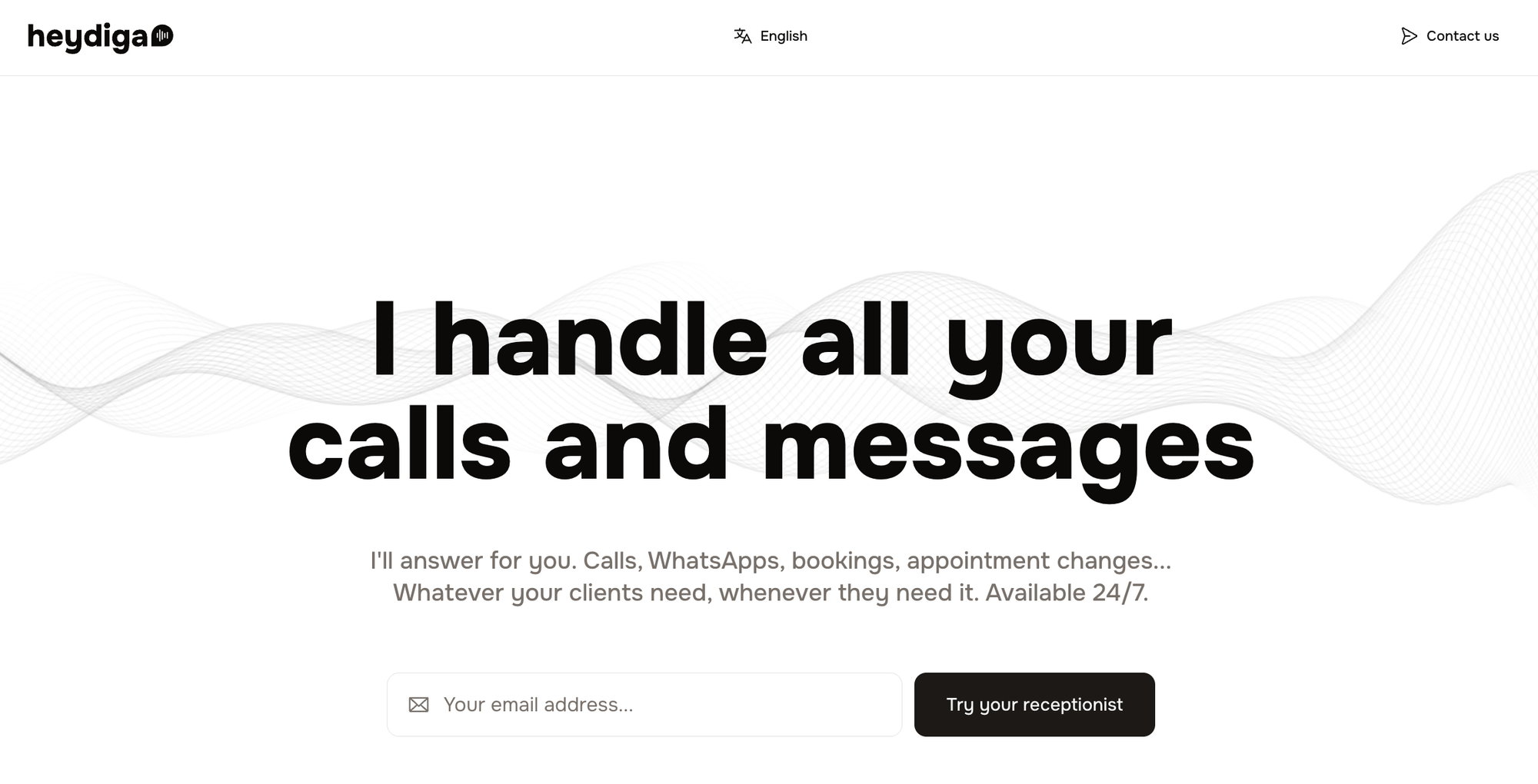
1) Heydiga
Best for: salons, clinics, restaurants, workshops
Why it stands out: everything lives in one dashboard, built around the way local businesses actually operate
Main trade-off: newer outside Spain, fewer long-term reviews internationally
Starting price (approx.): €199/month or enterprise custom prices
Heydiga is the most practical option on this list if you want to reduce interruption without adding a stack of tools.
Instead of asking you to connect a voice tool, a calendar tool, a workflow tool and an analytics tool, it gives you one place where the business is defined and run.
You can set:
- opening hours and exceptions
- services and durations
- who is working when
- rules (for example: no bookings within 30 minutes of close)
- and then keep calls, WhatsApp messages, transcripts, the calendar and basic metrics in the same place
Heydiga also has sector-specific setups (DigaLook for beauty, DigaFood for restaurants, DigaClinic for clinics, DigaMotor for workshops). This matters because different sectors have different “normal” requests, language and booking logic.
If you are tired of stitching tools together, Heydiga is hard to beat because the whole flow lives in one place.
Pros
- One operational home, less switching, less to break
- Built for real booking flows, not just “answering”
- Clear structure for rules and exceptions
Cons
- Newer internationally
- Heavy users will pay more due to usage-based tiers
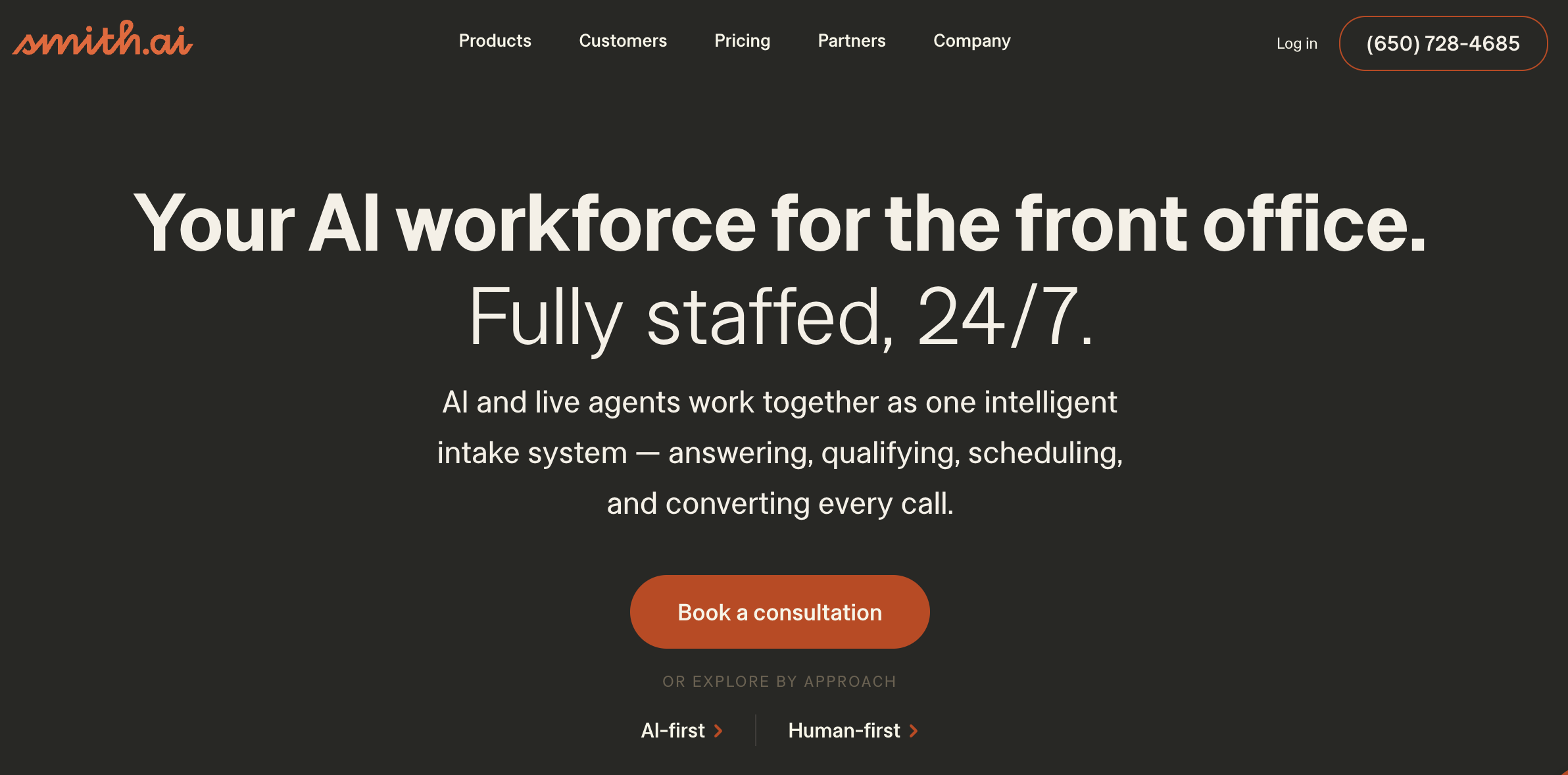
2) Smith.ai
Best for: businesses that want human backup built in
Standout strength: AI plus live agents for complex or sensitive calls
Main drawback: cost and reliance on integrations for full workflows
Starting price (approx.): from $140+/month
Smith.ai is a good choice if your calls often require a human touch and you want a smooth handover to a person.
The trade-off is simple: you pay more, and you may still need calendars and other tools connected to get a full operational setup.
Best if: your calls regularly go beyond bookings into longer, higher-context conversations.
3) My AI Front Desk
Best for: very small or budget-conscious teams
Standout strength: low cost and simple coverage
Main drawback: deeper setup tends to rely on Zapier or external tools
Starting price (approx.): $19–65/month (verify current plans)
A good entry point if you mainly want calls answered and basic booking coverage, and you are comfortable with a more “DIY” setup if you need deeper workflows.
4) Dialzara
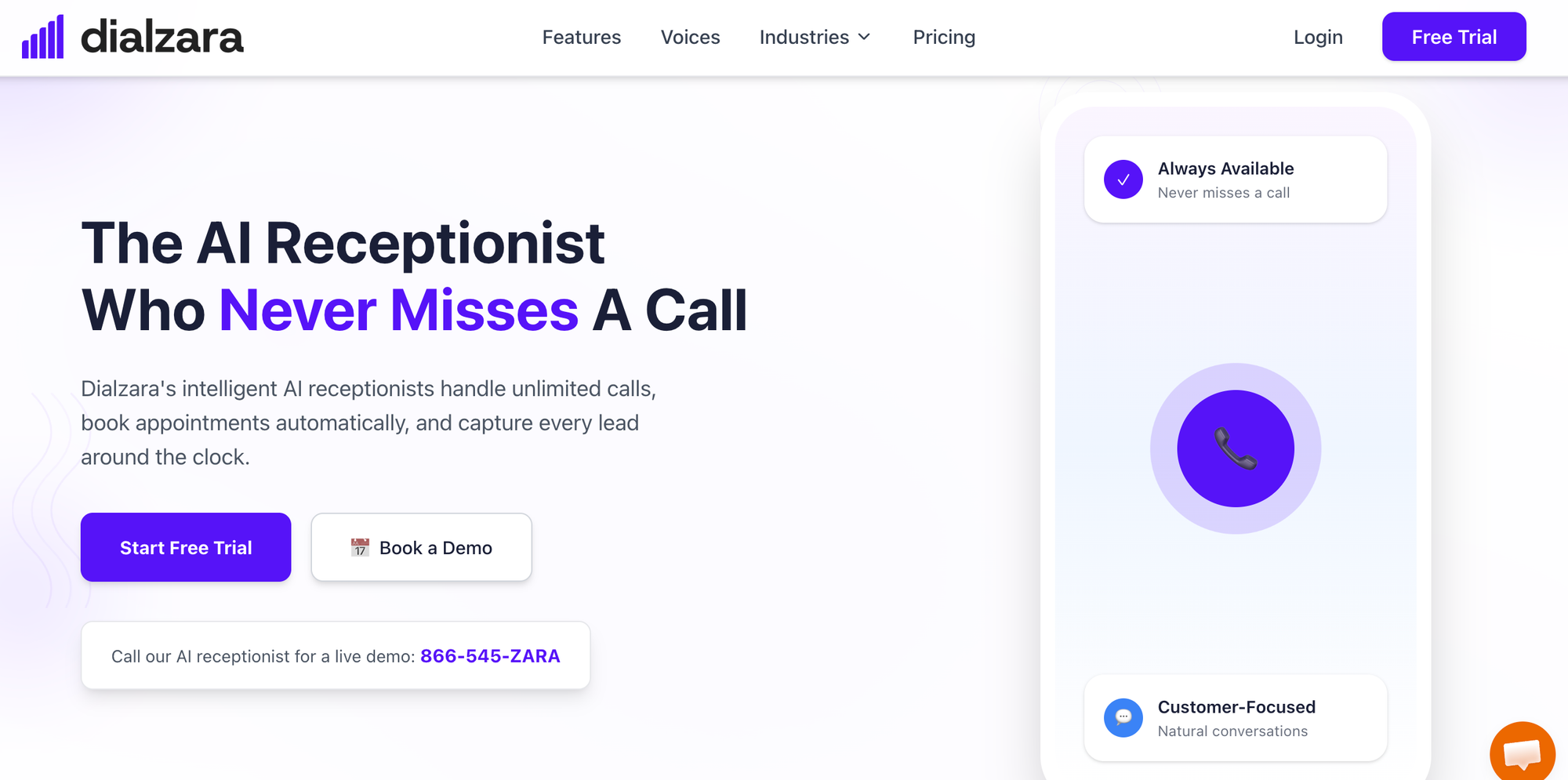
Best for: quick setup and natural-sounding voices
Standout strength: fast to get live
Main drawback: lighter rule system and less of a central operational layer
Starting price (approx.): $29+/month (verify current plans)
Dialzara is useful if you want something up quickly and your requirements are simple. If you need deep booking rules or a single place to run the business, it may feel limited.
5) Goodcall
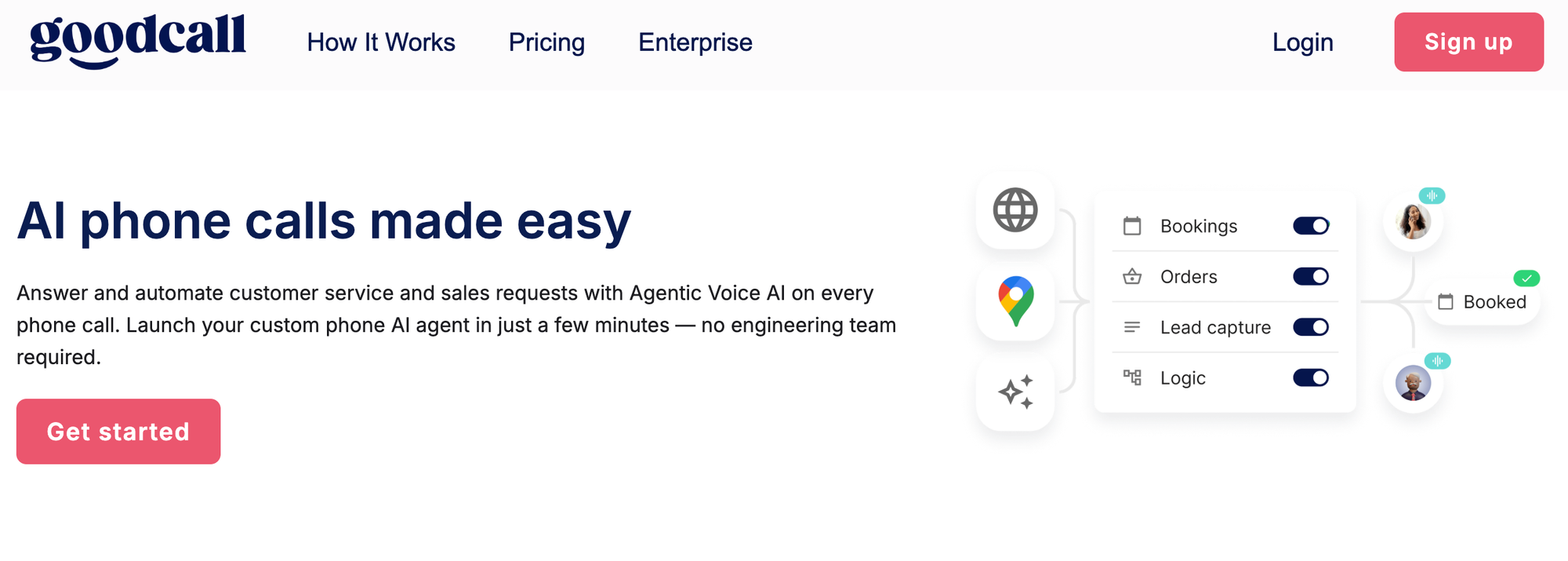
Best for: businesses with constant inbound calls
Standout strength: handling volume reliably
Main drawback: more focused on routing than full business management
Starting price (approx.): $59+/month (verify current plans)
Goodcall can be a solid option if your main issue is volume and routing. Just check where your rules, diary logic and reporting will live, because that is where complexity often returns.
What AI features do you actually need in a phone-answering system?
Most people get distracted by the wrong question: does it sound human?
Voice matters, but it’s not the deciding factor. What matters is whether the system can actually take work off the team.
Here are the five features I’d look for.
1) It completes the job, not just the conversation
It should handle the common flows end to end: booking, rescheduling, cancelling, confirming. If it only “answers” and then someone has to finish the task, you’ve moved the admin, not removed it.
2) You can define how the business works
Opening hours, services, durations, policies, team availability, constraints. If these rules aren’t clear and centralised, the assistant will always be guessing.
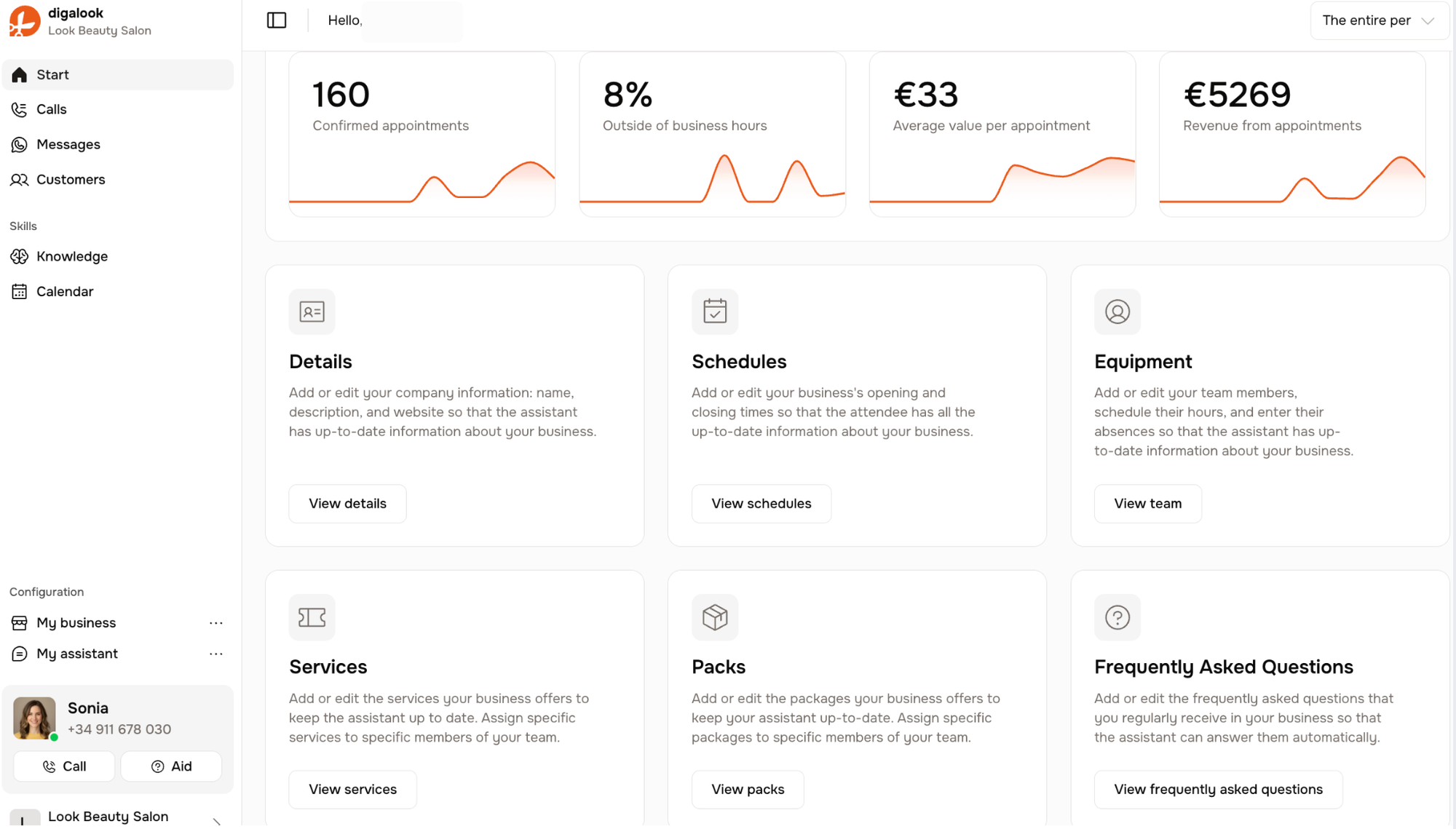
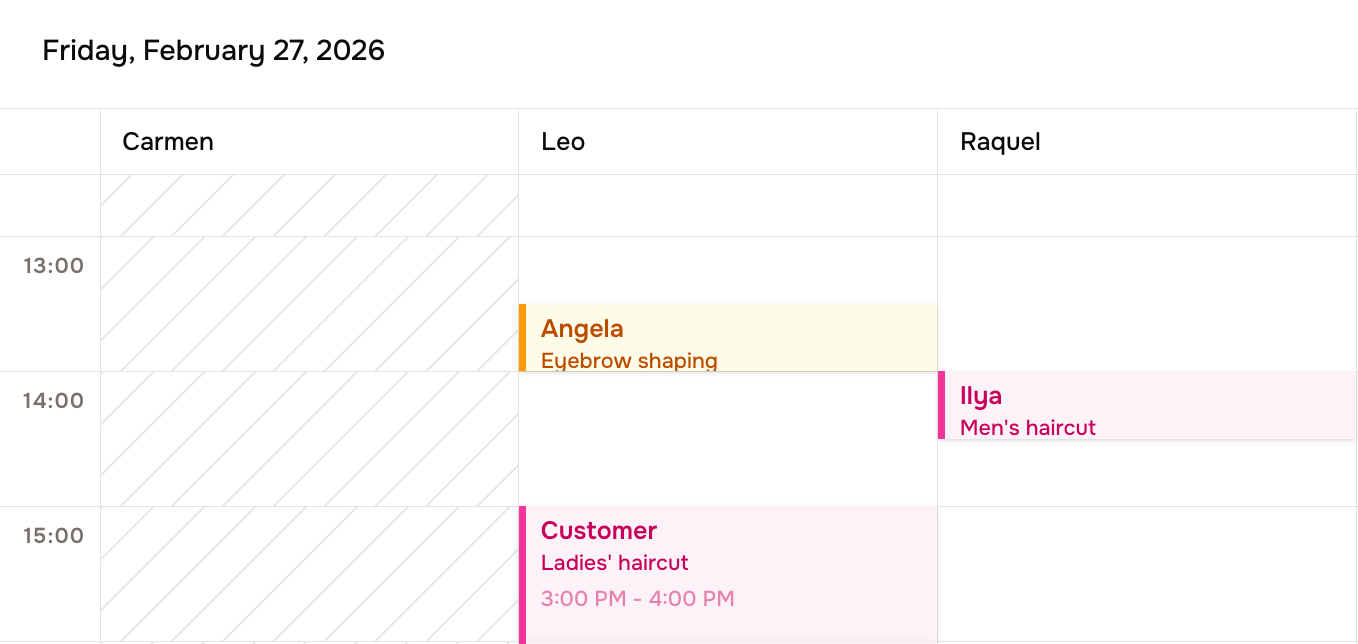
3) It keeps the diary correct
This is where most systems win or fail. No double bookings. No phantom slots. Changes should update immediately, without someone having to copy things across.
4) It knows when to ask, and when to hand over
A good system doesn’t bluff. If something is unclear, it asks a simple question. If it needs human judgement, it hands over cleanly, with context.
5) It leaves a usable record
Not a dashboard for the sake of it. Just the basics: what was resolved, what was booked, what questions keep repeating, where things still break.
If you have these five, everything else is secondary.
What to measure in the first 30 days
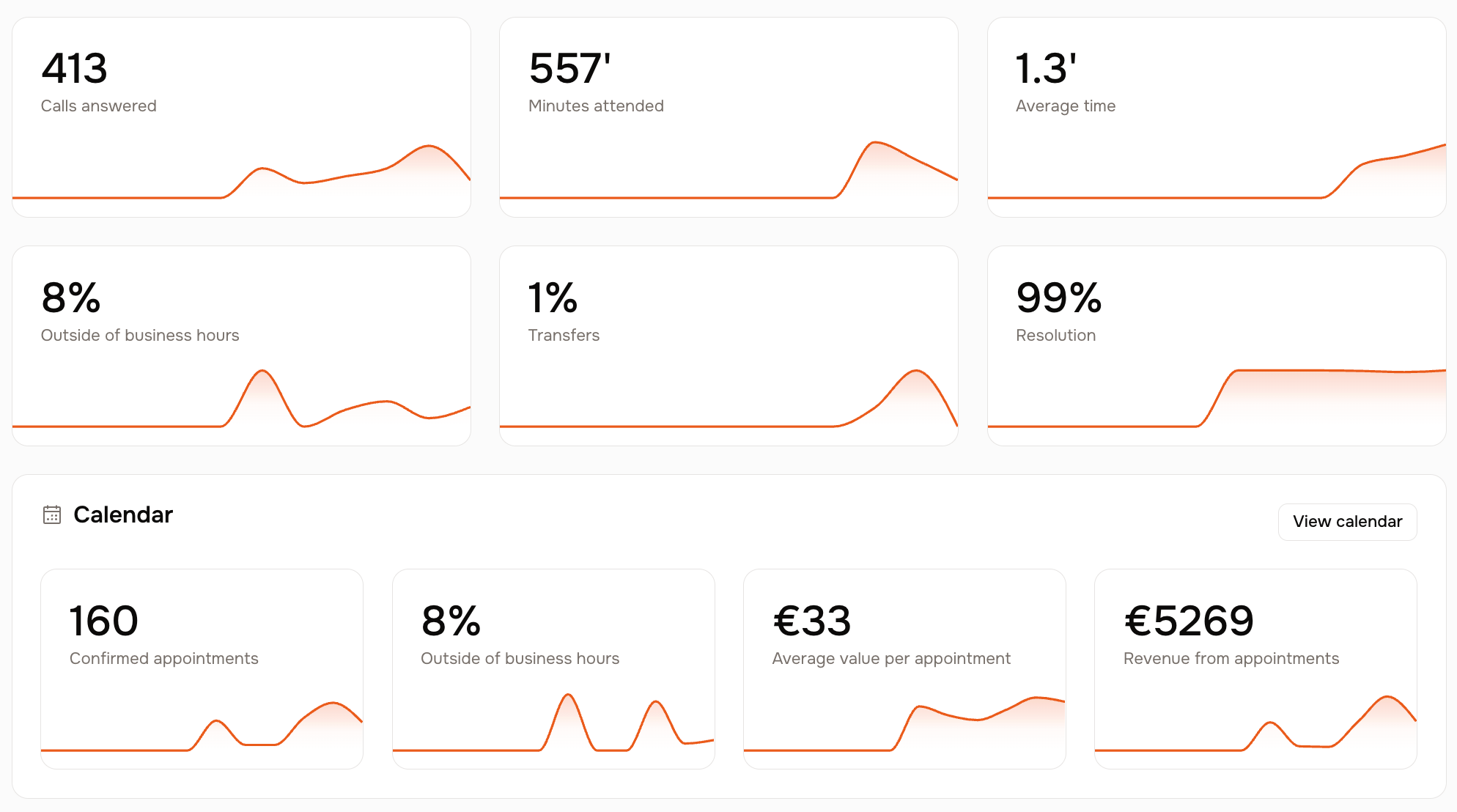
If you want to know whether an assistant is actually helping, measure operational outcomes, not “AI quality”.
Start with:
- Calls resolved end to end (not just answered)
- Bookings captured outside opening hours
- Reschedules completed without manual follow-up
- No-show rate (before vs after confirmations)
- Top repeated questions (so you can improve processes)
If those improve, the assistant is doing real work.
5 quick FAQs
1) Do I need an AI assistant if I already have a receptionist?
Often yes. Receptionists struggle most during peaks. A good assistant absorbs routine calls and reschedules so the receptionist can focus on what needs judgement.
2) What should it do when it does not know?
It should ask a clarifying question or hand over cleanly. Guessing breaks trust.
3) What is the biggest mistake when choosing a tool?
Buying something that answers calls but leaves you with fragmented operations. If you still have to stitch everything together, you have moved the work, not removed it.
4) What is the quickest win for most businesses?
Bookings, reschedules and the top repeated questions. That is where interruptions come from.
5) Why is “one dashboard” such a big deal?
Because the pain is coordination. When rules, diary and conversations live in one place, the system becomes consistent and easier to run.
The short takeaway
Most local businesses do not need more tools. They need fewer interruptions.
The strongest assistants are not the ones that “sound good”. They are the ones that can run the repetitive operational layer reliably, day after day.
That is why Heydiga comes out on top for local services: it is built to run the workflow in one place, with vertical setups that match how the business actually works.
If you want to see what this looks like for your specific sector, send us a message and we will show you a real example.